


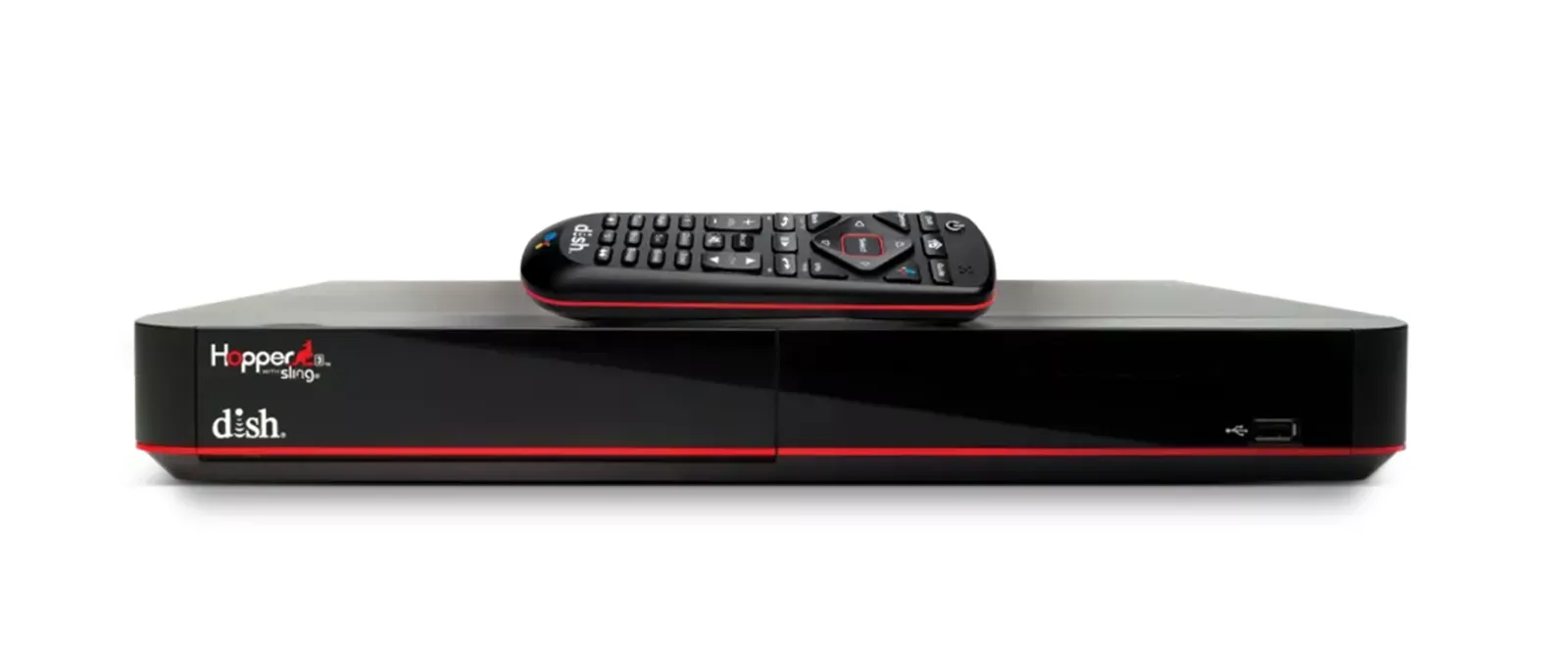
How to connect your DISH Hopper DVR to the internet
Connecting your DISH Hopper to the internet allows you to access on-demand content, stream apps like Netflix and YouTube, and enable remote DVR management and other features. Follow the straightforward process outlined below to set up your Hopper via ethernet or Wi-Fi.
What is the DISH Hopper?
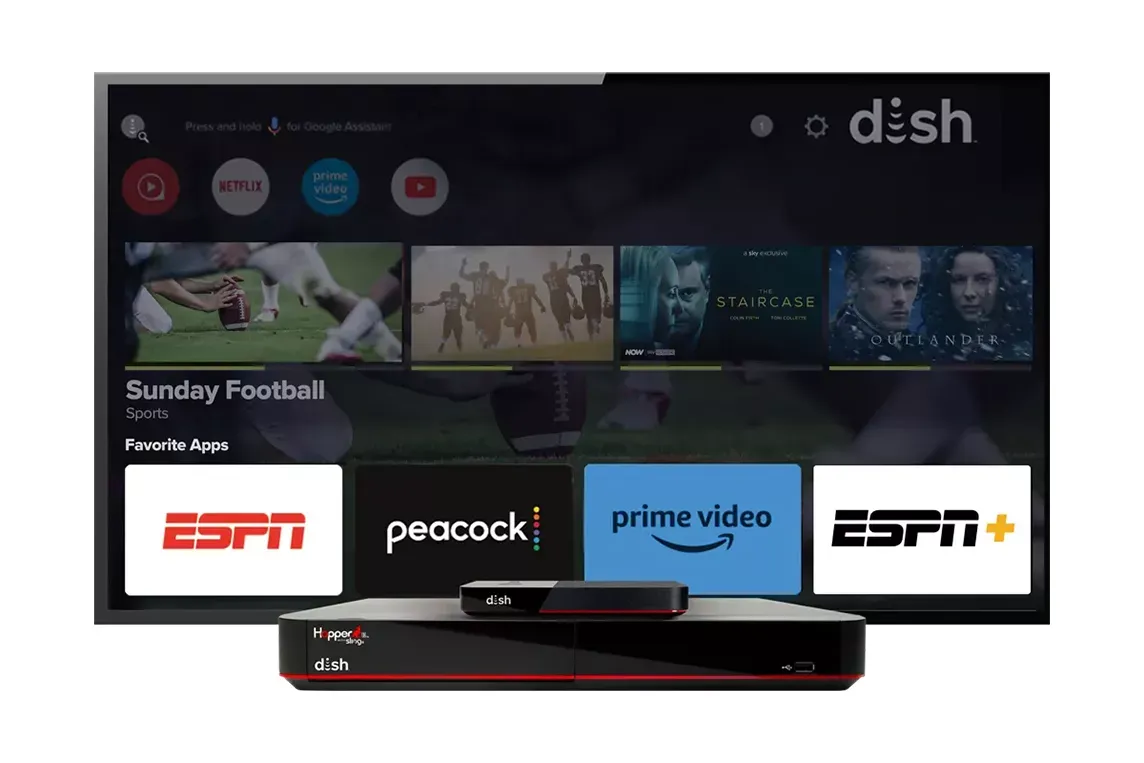
The DISH Hopper is a high-definition DVR (Digital Video Recorder) system offered by DISH Network, designed to enhance your TV viewing experience with advanced features. It allows you to record multiple shows simultaneously, store hundreds of hours of content, and access the on-demand programming included in your DISH package. The Hopper also integrates with streaming apps like Netflix, YouTube, and Prime Video, providing seamless entertainment options. With built-in AutoHop technology, you can even skip commercials on select recordings. Additionally, when connected to the internet, the Hopper enables remote access to your DVR through the DISH Anywhere app, so you can watch your favorite shows anytime, anywhere.
Watching live and recorded TV anywhere requires an internet-connected Hopper w/Sling or Hopper 3 and compatible mobile device.
What you’ll need to get started
Before you begin, make sure you have the following:
- A DISH Hopper receiver
- A reliable internet connection (Wi-Fi or wired) via cable, fiber, or satellite internet from DISH Network partners
- Your Wi-Fi network name and password (if connecting wirelessly)
- An Ethernet cable (if using a wired connection)
Connecting your DISH Hopper to the internet unlocks on-demand streaming, app access, and remote DVR management. You can connect using Wi-Fi for a wireless setup or an Ethernet cable for a more stable, wired connection.
Connecting via WiFi: Your step-by-step guide
If you prefer a wireless setup, connecting your Hopper to Wi-Fi is quick and easy. This method allows you to place your receiver anywhere within range of your router without additional cables.
- Navigate to the Hopper menu
- Select the Wi-Fi network
- Enter the password and connect
Connecting using ethernet: Your step-by-step guide
Connecting via ethernet cable is the best option for a stable and reliable connection. A wired connection ensures faster speeds and minimizes buffering issues when streaming content.
- Plug the ethernet cable into the Hopper
- Confirm the connection in the Hopper Menu


Common issues and how to fix them
Even with a simple setup process, you may encounter occasional connectivity issues with your DISH Hopper. Whether it’s trouble finding your Wi-Fi network, incorrect login credentials, or a lost connection, most problems have quick and easy solutions. Here are some common issues and troubleshooting steps to help you stay connected.
- Wi-Fi network not showing up
- Incorrect Wi-Fi password
- No internet connection after connecting
By following these steps, you can easily combine the benefits of DISH Network, internet service, and more to unlock a world of entertainment. If you continue to experience issues, consider contacting DISH support for further assistance.