

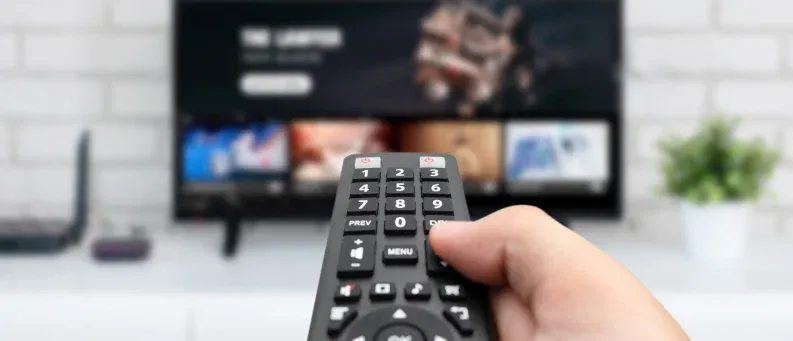
Subscribing to live TV is exhilarating enough. But with modern TV packages, it doesn’t stop there. With the DISH Hopper 3, your live TV subscription comes with access to a virtually endless On Demand library—and your own curated collection of the DISH programs you choose to record.
P.S. The DISH Hopper 3 comes with 500 HD hours of storage, companion Voice Remote, and FREE mobile viewing on the DISH Anywhere app, all with no receiver fees.
Learn how to record shows on DISH Network equipment below. If you get stuck at any point, search support.dish.com for more information or call 1-800-333-3474 for help.
Although the Hopper DISH Network DVR gives you the most flexibility when recording, you can also record DISH programs on classic ViP DVR receivers.
PrimeTime Anytime, a feature built into Hopper DVRs, automatically records primetime TV from syndicated networks—and leaves out the commercials. Here’s how to manage your PrimeTime Anytime recordings:
Provided you have at least one Hopper receiver connected to the internet, the DISH Anywhere app gives you total access to the live channels and On Demand titles included in your subscription—not to mention, your DVR content and settings.
Here’s how to start and stop DISH Network recordings from DISH Anywhere.
Have an older DVR receiver? You can stream DISH On Demand and select live channels from the DISH Anywhere app, but you won’t have access to your DVR content or settings. Call 1-800-333-3474 to upgrade to the Hopper today.
If you still need help understanding how to record on DISH Network, visit support.dish.com or call 1-800-333-3474.
Don’t have DISH yet? Subscribe today to get your favorite live channels along with the Hopper DVR—and its advanced yet easy-to-use recording features.

